
Amazon Product Data Export
Export Amazon listing titles, extracted keywords, bullets, and specifications to TXT, CSV, XLSX, or JSON. Keywords come from public copy, not Seller Central.
Export is free after a successful lookup. ZIP, MP4, and Google Drive packaging are optional file jobs billed only on delivered units. CSV and TXT are formula-safe.
- Extracted keywords from public title, bullets, and description
- Not Seller Central backend search terms
- Formula-safe CSV and TXT
- Re-export for 3 days, then run the ASIN again
- No extension or code
- 21 marketplaces
- Up to 1,000 ASINs
- No subscription
Choose fields and a format without another fee
Export is free after a successful lookup. Extracted keywords come from public listing copy, not Seller Central.
- TXT, CSV, XLSX, and JSON
- Formula-safe text and CSV values
- Field-level selection
- Re-export while result data is retained
| Field | TXT | CSV | XLSX | JSON |
|---|---|---|---|---|
| Title | ||||
| Bullets | ||||
| Specifications | ||||
| Extracted keywords |
asin,title,brand,extracted_keywords
B0D1EXAMP1,"Sample heavyweight T-shirt","Example","oversized | cotton | crew neck"
How it works
Look up the ASIN
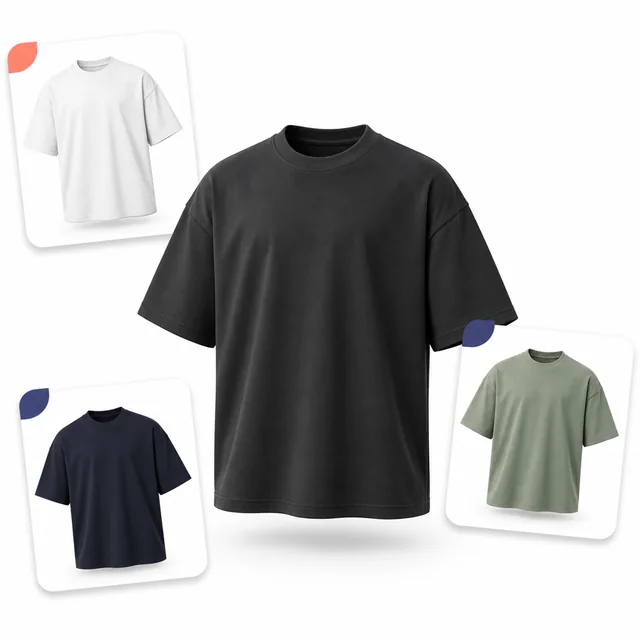
Use the live tool here or the signed-in bulk tool. Listing data arrives with images and videos.
Choose a dataset
Pick listing, keywords, or the fields you need. Copy a single value or export the set.
Download the file
TXT, CSV, XLSX, or JSON. No extra credit. File jobs are only for ZIP, MP4, and Drive uploads.
Export listing data without a keyword claim you cannot defend
Amazon product data export on this page is honest about source: public listing copy. If you need Seller Central backend search terms, this is the wrong tool. We say so in the UI, the export columns, and this FAQ.
Typical fields: ASIN, marketplace, title, bullets, description, extracted keywords, brand, specs
Empty spec rows mean the listing did not publish them
Guest lookups can copy and export on the same result view
Workflow cost
Know the maximum before you run
Credit packs cost 500 credits for $5, so one credit is approximately $0.01. Credits never expire and there is no subscription.
- Successful lookup
- 1 credit
- Returns media and listing data together
- Data export
- $0
- TXT, CSV, XLSX, or JSON
- Re-export
- $0
- While row data remains available


FAQ
Which export formats are available?
TXT, CSV, XLSX, and JSON. CSV and TXT are formula-safe so pasted cells do not execute spreadsheet formulas.
Does export cost credits?
No. Copy and data export are free after a successful lookup. Only ZIP, MP4, and Drive packaging add file credits.
Are exported keywords Amazon backend terms?
No. Extracted keywords are derived from public title, bullets, and description. They are not Seller Central backend search terms.
What fields can I export?
Typical fields include ASIN, marketplace, title, bullets, description, extracted keywords, brand, and selected specification rows. Available fields follow what the public listing published.
How long can I re-export a result?
Normalized listing rows stay available for 3 days from the lookup. After that the history summary remains, but detail and export show “Result expired. Run again.”
Export a catalog, not just one row
Create an account for bulk lookup and keep TXT, CSV, XLSX, and JSON export free after each successful lookup.
Create account for bulk export